Loading...
Powered by Artificial Intelligence
Edit images with AI
Remove backgrounds with AI and optimize your image file sizes. Edit, crop, and export in multiple formats — all for free in your browser.
High quality
PNG, WebP, AVIF
Full editor
100% private
Original
Background removed


* ClearCut Studio uses AI to remove backgrounds and may make mistakes.
Features
Everything you need to edit images
Professional tools in a simple and accessible interface for everyone.
Ultra fast
Remove backgrounds in seconds thanks to our optimized AI that processes locally in your browser.
100% private
Your images never leave your device. All processing happens locally.
Image optimizer
Reduce your image sizes by up to 90% in WebP, AVIF, or JPEG without losing visual quality.
Multiple formats
Export in PNG, WebP, AVIF, or JPG with optimized settings for each format.
Advanced editing
Fix details with brush tools, crop, and adjust colors before exporting.
Image adjustments
Modify brightness, contrast, saturation, and exposure for the perfect finish.
optimizer-demo.wasm

Original (PNG)
2.4 MB
Optimizada (AVIF)
245 KB (-90%)
AVIF Encoder (libavif)WebP Encoder (libwebp)MozJPEG (High quality)
ClearCut Optimizer
Advanced image
optimization
We use the same WebAssembly (WASM) technology that powers top professional tools to encode your images directly in the browser. Drastically reduce your file sizes to improve your website's performance without compromising visual quality.
Fully Local
Compression is performed on your own device using a dedicated Web Worker. Zero cloud uploads, total privacy, and instant results.
Visual Control
Compare the original result with the optimized one using our real-time slider. See exactly how compression affects the finest details.
Versatile Export
Convert heavy PNGs to next-generation modern formats like AVIF and WebP to achieve maximum bandwidth savings.
Gallery
Try it with these examples
Select any image to see the background removal in action.
Retrato
Persona
Remove background
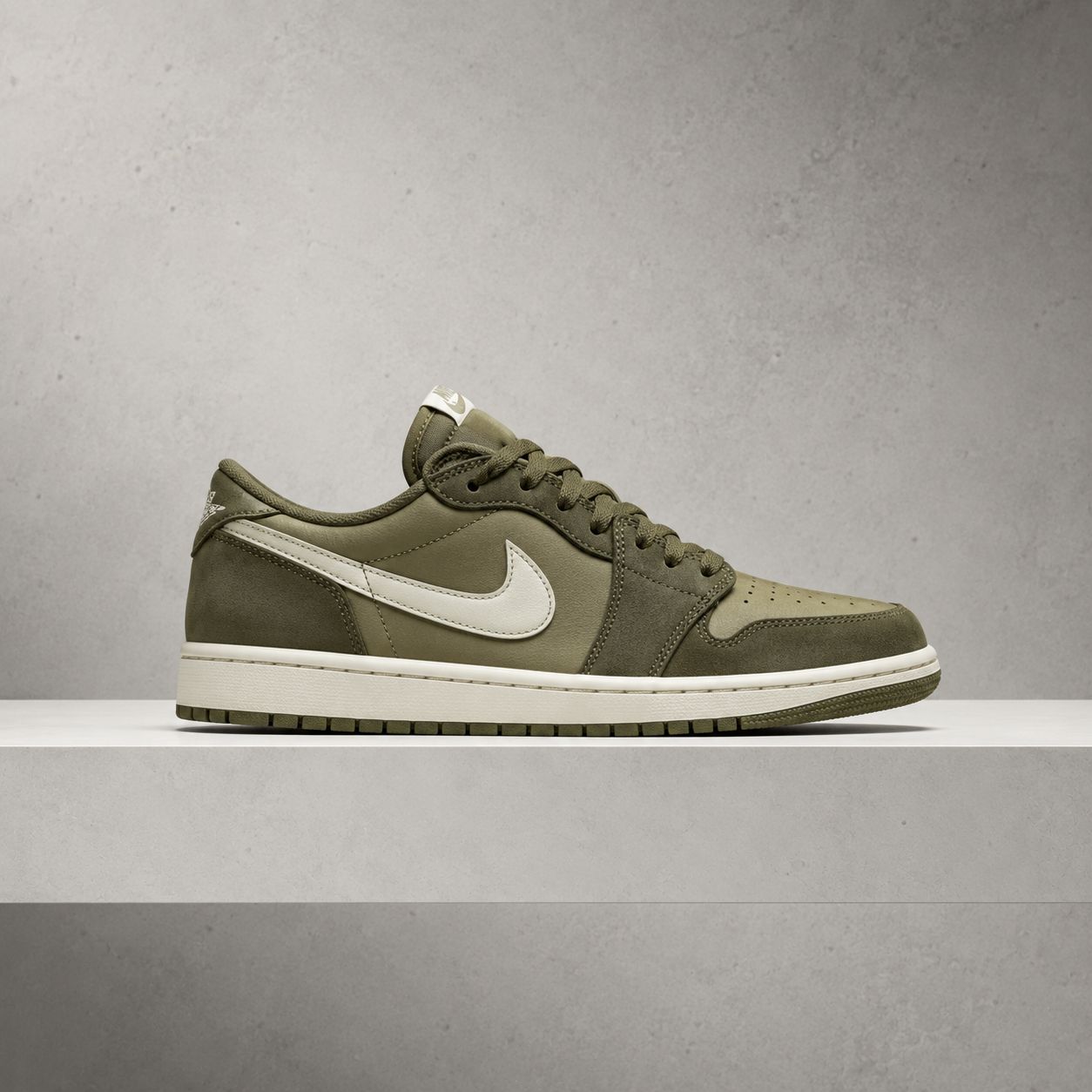
Producto
Tenis
Remove background

Objeto
Taza
Remove background

Vehiculo
Auto
Remove background
How it works
Simple, fast, and secure
01
Upload your image
Drag and drop or select an image from your device.
02
AI Processing
Our artificial intelligence automatically removes the background.
03
Edit if needed
Use the tools to fix details, crop, and adjust.
04
Download
Export in your preferred format with maximum quality.
Testimonials
Loved by creators everywhere
"Incredible tool. I use it daily for my design projects. The cutout quality is impressive."
MG
Maria Garcia
Graphic Designer
"Saves me hours of work in Photoshop. The edges are perfect even with complex hair."
CR
Carlos Rodriguez
Professional Photographer
"Perfect for product photos. I export directly in WebP optimized for my online store."
AM
Ana Martinez
E-commerce Manager
"The best free tool I've found. The privacy of everything being processed locally is a huge plus."
LS
Luis Sanchez
Content Creator
Why clearcut?
The privacy-first image editing suite
Most free image editors force you to upload your personal photos to their servers. We took a different approach.
By leveraging modern web technologies like WebAssembly, ClearCut runs completely inside your browser. No uploads, no waiting, no privacy concerns.

Total Privacy Guaranteed
0 Bytes uploaded to cloud
Frequently asked questions
Explore answers to the most common questions from our users about privacy, costs, and the future of ClearCut.
Ready to enhance your images?
Join thousands of creators who are already saving time and improving their workflow with ClearCut Studio. Completely free, fast, and secure.